

FileCap for Android#
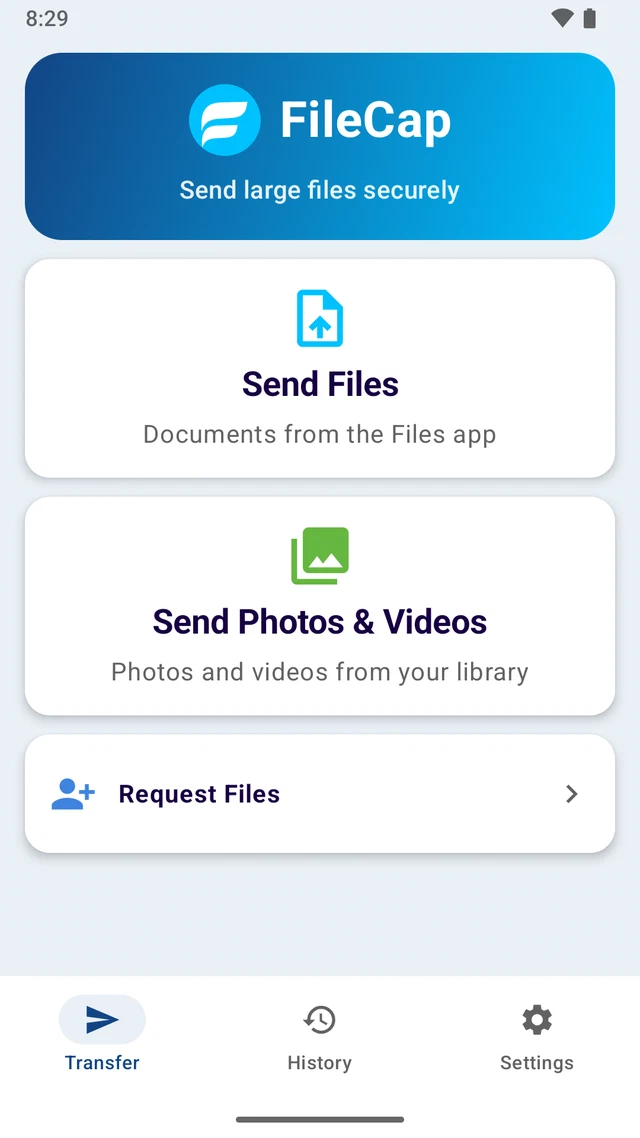
FileCap for Android lets you send large or confidential files from your Android phone or tablet through your organization’s FileCap server. Recipients receive a download link and prove who they are with an email code, an SMS code or a password before they can open anything.
For users#
- FileCap in Google Play
- Getting started: install the app and connect it to your FileCap server
- User guide: sending files and photos, sharing from other apps, verification methods, history and withdrawing a transfer, requesting files
- Troubleshooting
For administrators#
- System requirements
- Configuration link: configure the app with one link sent by email
- Managed configuration: push and lock the settings through Android Enterprise, with Microsoft Intune, Google endpoint management, Workspace ONE, Ivanti and other EMM systems
The app has the same functions as FileCap for iOS, and the same configuration link and managed configuration keys work for both.