

Deploy the Office 365 Add-in organization-wide
Use this route to roll out the Office 365 Add-in to a group of users or your whole organization from the Microsoft 365 admin center. To try the add-in on your own mailbox first, see Install the Office 365 Add-in (single user).
Before you start#
- Download the right manifest. Choose and download the manifest in the FileCap Administration Portal first. See Download the manifest file.
- Your portal needs an API key. The manifest contains your portal’s API key. If the portal has no API key, the manifest download fails.
- You need an admin role in Microsoft 365. Sign in with an account that is a Global Administrator or Exchange Administrator.
Deploy to a pilot group#
We recommend starting with a small pilot group. Once the add-in works for them, widen the rollout without uploading the manifest again (see Widen the rollout).
Log in on admin.microsoft.com.
Under Settings, go to “Integrated apps”.
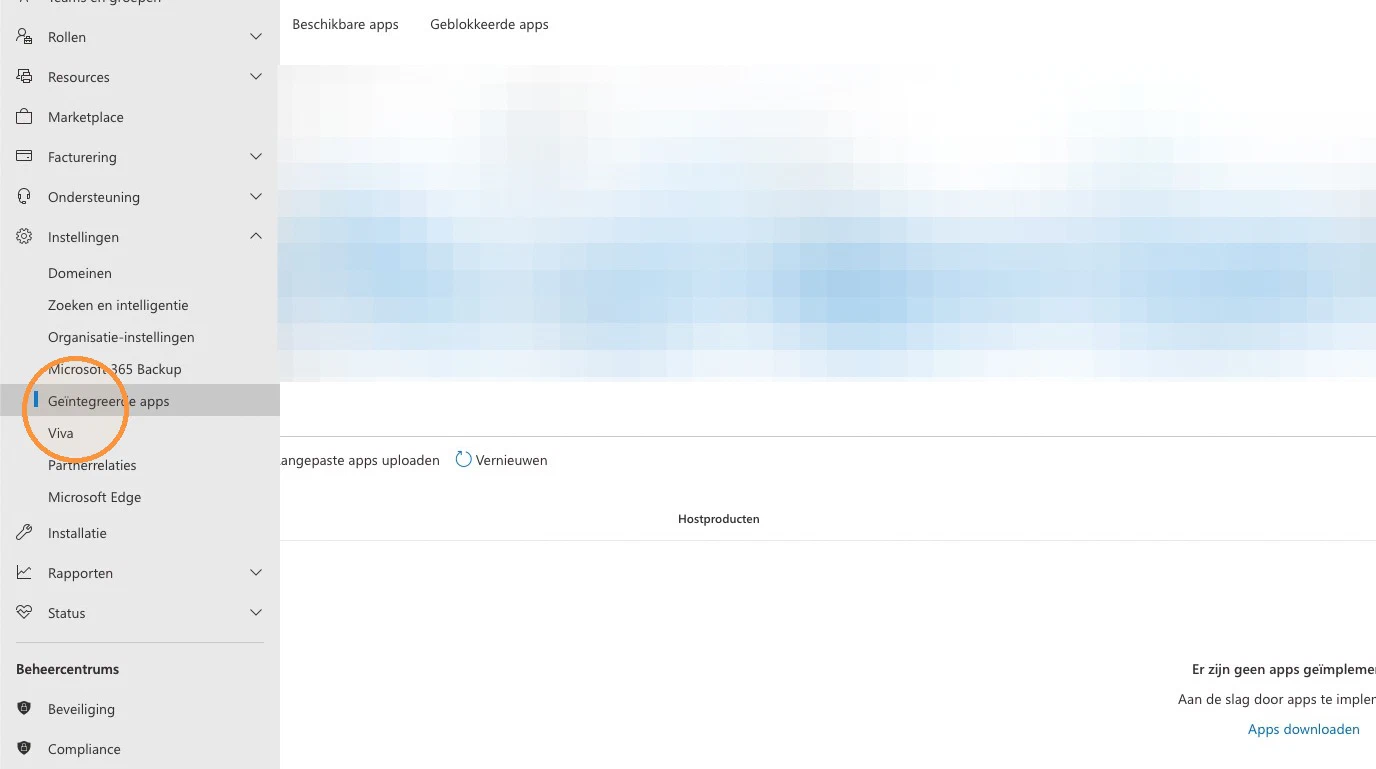
- Choose the “Add-ins” option.
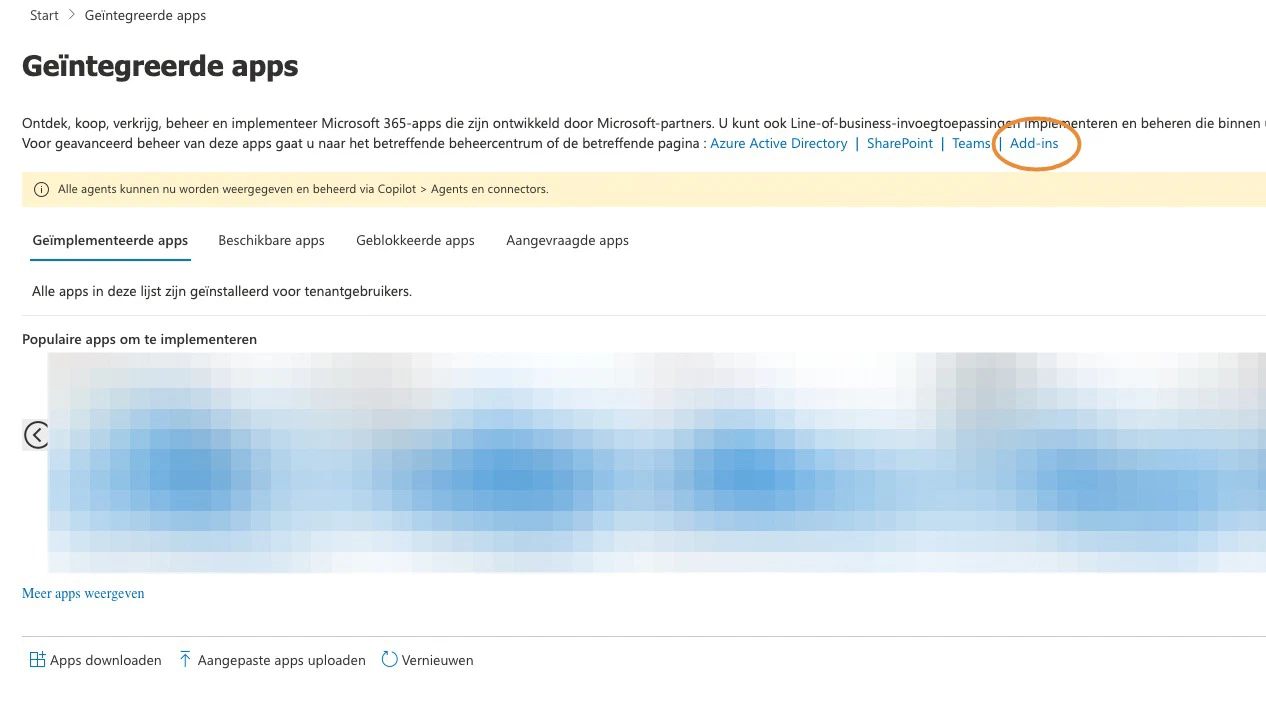
- Deploy a new add-in.
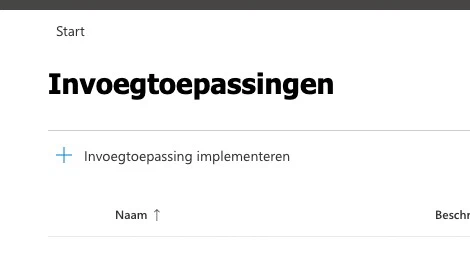
- Choose the “Upload custom apps” option.
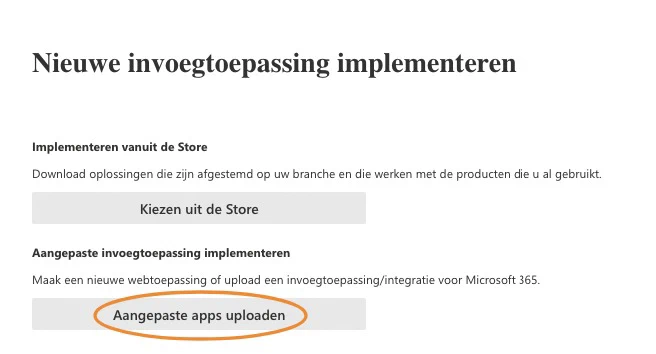
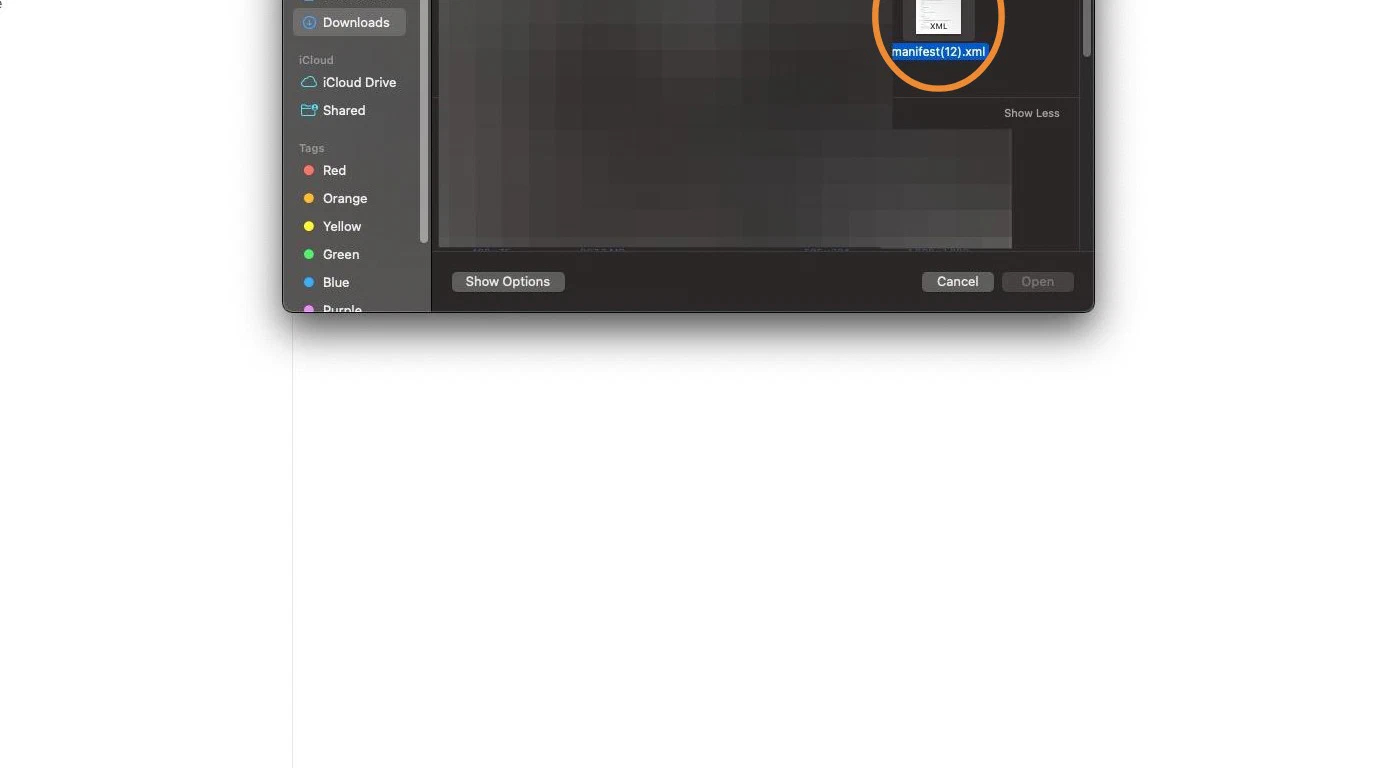
- Click “Choose file”.
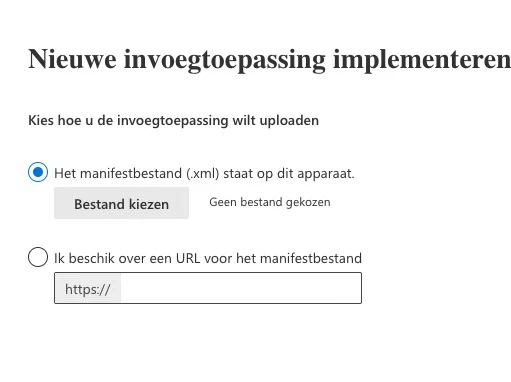
- Add the manifest.
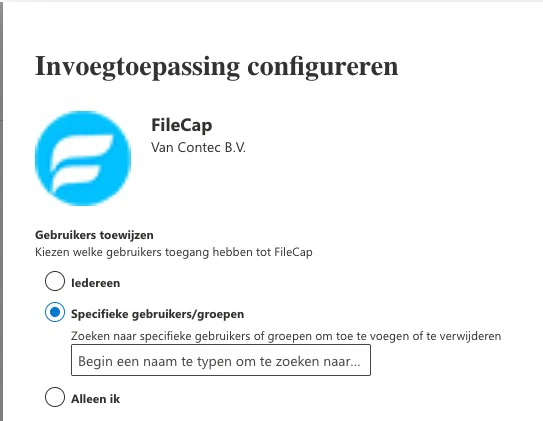
- Under Assign users, select “Specific users/groups” and add your pilot group.
- Select the deployment method.
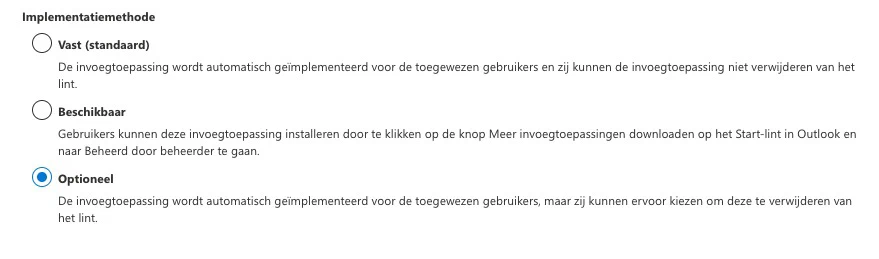
There are three deployment methods:
- Fixed: the add-in is installed for the assigned users and they can’t remove it.
- Available: users can install the add-in themselves.
- Optional: the add-in is installed for the assigned users, but they can remove it.
If business rules are enabled, choose Fixed. With Optional, users can remove the add-in and send mail without FileCap checking it against your business rules. If business rules are disabled, Optional is fine and makes it easier to troubleshoot add-in issues for an individual user.
- Click Deploy.
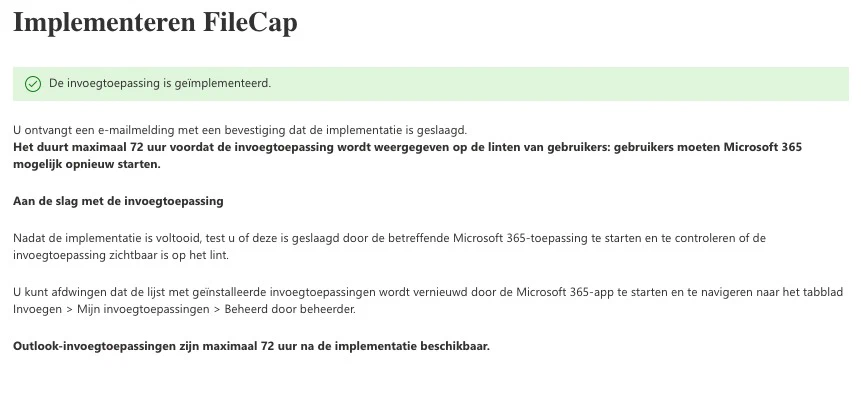
The add-in usually appears within 6 to 12 hours. Microsoft states it can take up to 72 hours. Restart Outlook if it doesn’t show up.
Verify the rollout#
- Sign in as a user from the pilot group.
- Create a new mail.
- Look for the FileCap button. It is at the far right of the ribbon or under Apps.
- Click the button and check that the FileCap panel loads.
Widen the rollout#
When the pilot works, assign the add-in to more users. You don’t need to upload the manifest again.
- In the Microsoft 365 admin center, go to Settings > Integrated apps.
- Select FileCap.
- Click “Edit users” and choose the users or groups, or the entire organization.
Updating the manifest#
The add-in code is served live from FileCap, so normal FileCap updates reach your users without redeploying the manifest.
You do need a new manifest after:
- a change of your portal’s API key;
- a change of the OWA host or hostname of your FileCap portal;
- enabling “Restore original mail item after sending” under Office 365 in the add-in settings;
- switching to the other manifest type;
- enabling business rules while the manifest for modern Outlook clients is deployed. That manifest does not support business rules, so switch to the manifest for older Outlook clients.
Whenever the manifest must be replaced, we recommend removing the old add-in and deploying the new manifest, instead of using “Update add-in”:
- Download the new manifest. See Download the manifest file.
- In the Microsoft 365 admin center, go to Settings > Integrated apps and remove the old FileCap add-in.
- Deploy the new manifest as described in Deploy to a pilot group, and assign it to the same users or groups as before.
Both manifest types download as manifest.xml. Rename the file after downloading, for example to filecap-modern.xml or filecap-older.xml, so you upload the right one.
The two manifest types have different add-in IDs, so Microsoft 365 sees them as two separate add-ins. If both are installed at the same time, users see two FileCap buttons.