

Download the manifest file
- Log in to the FileCap Administration Portal with your admin credentials.
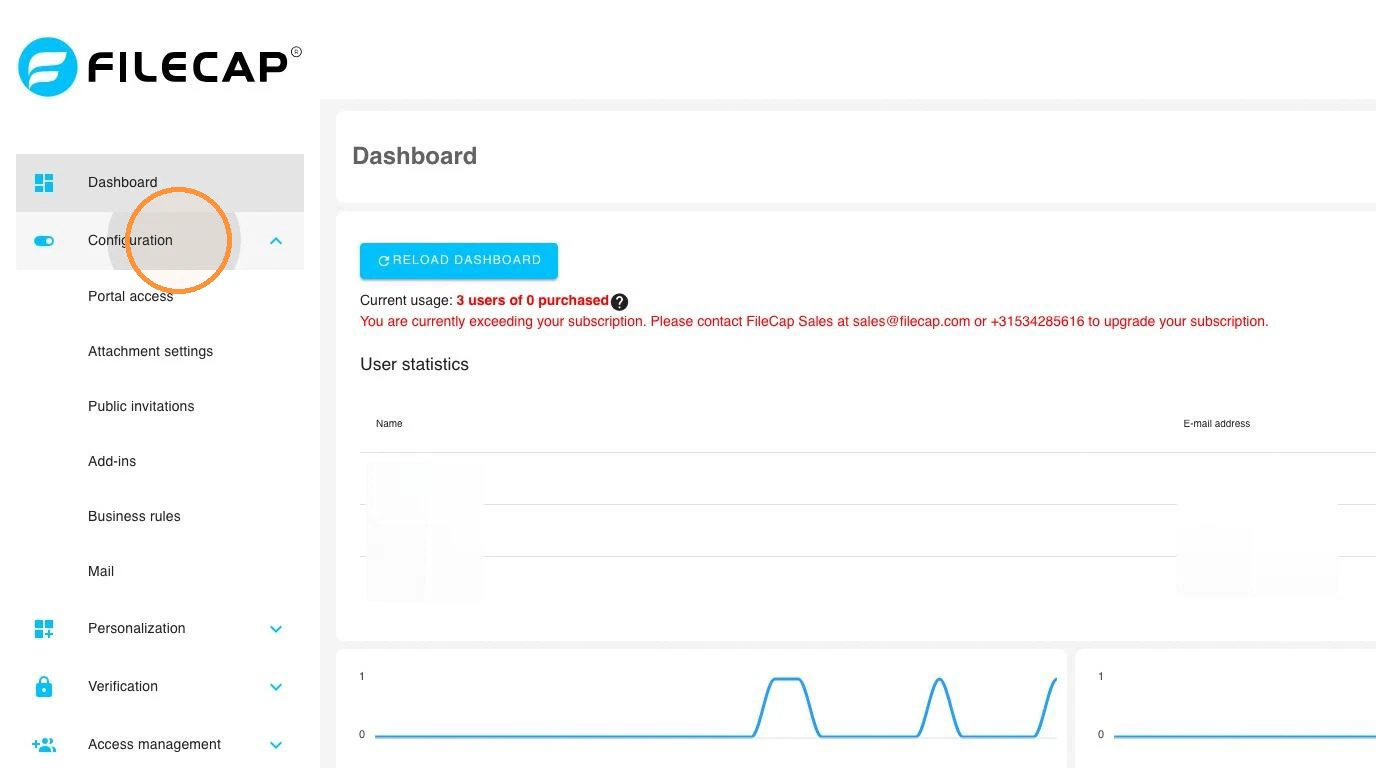
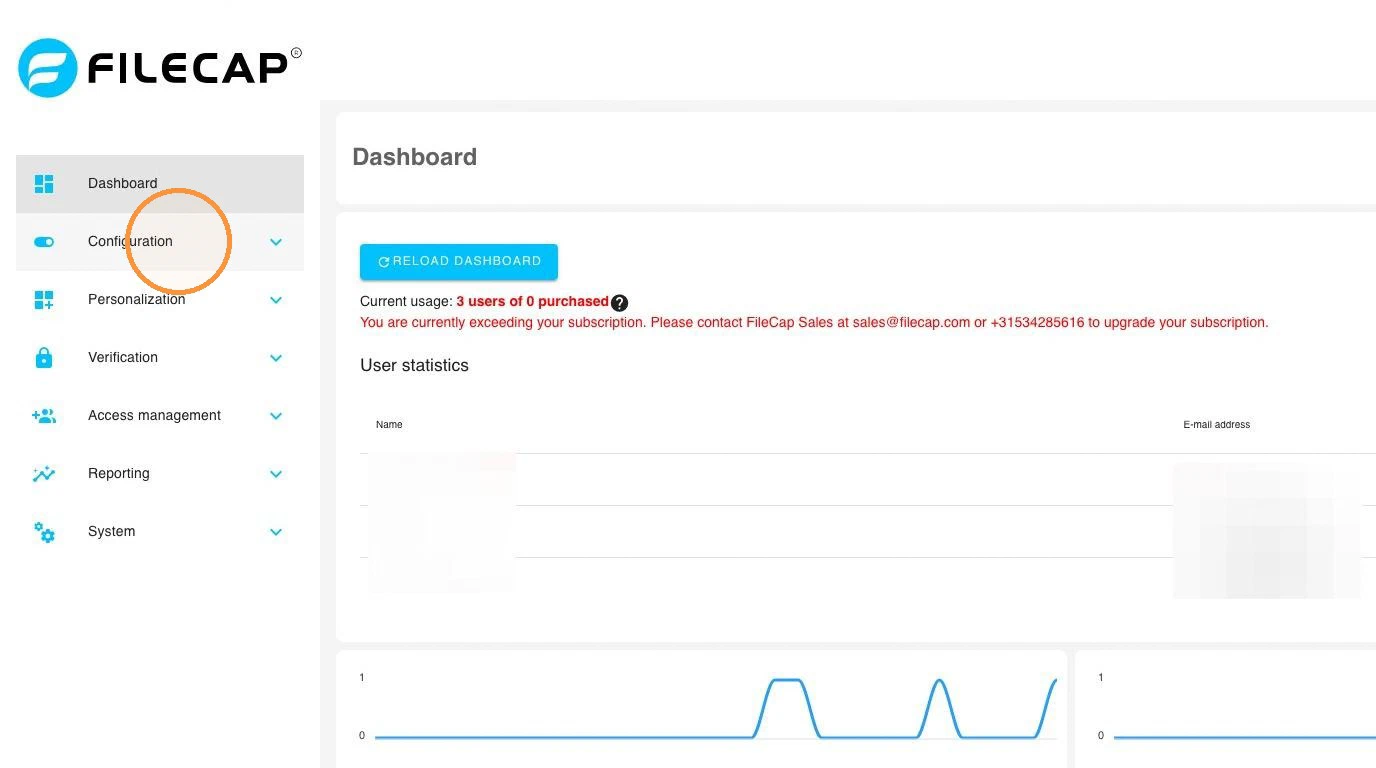
- Go to Configuration.
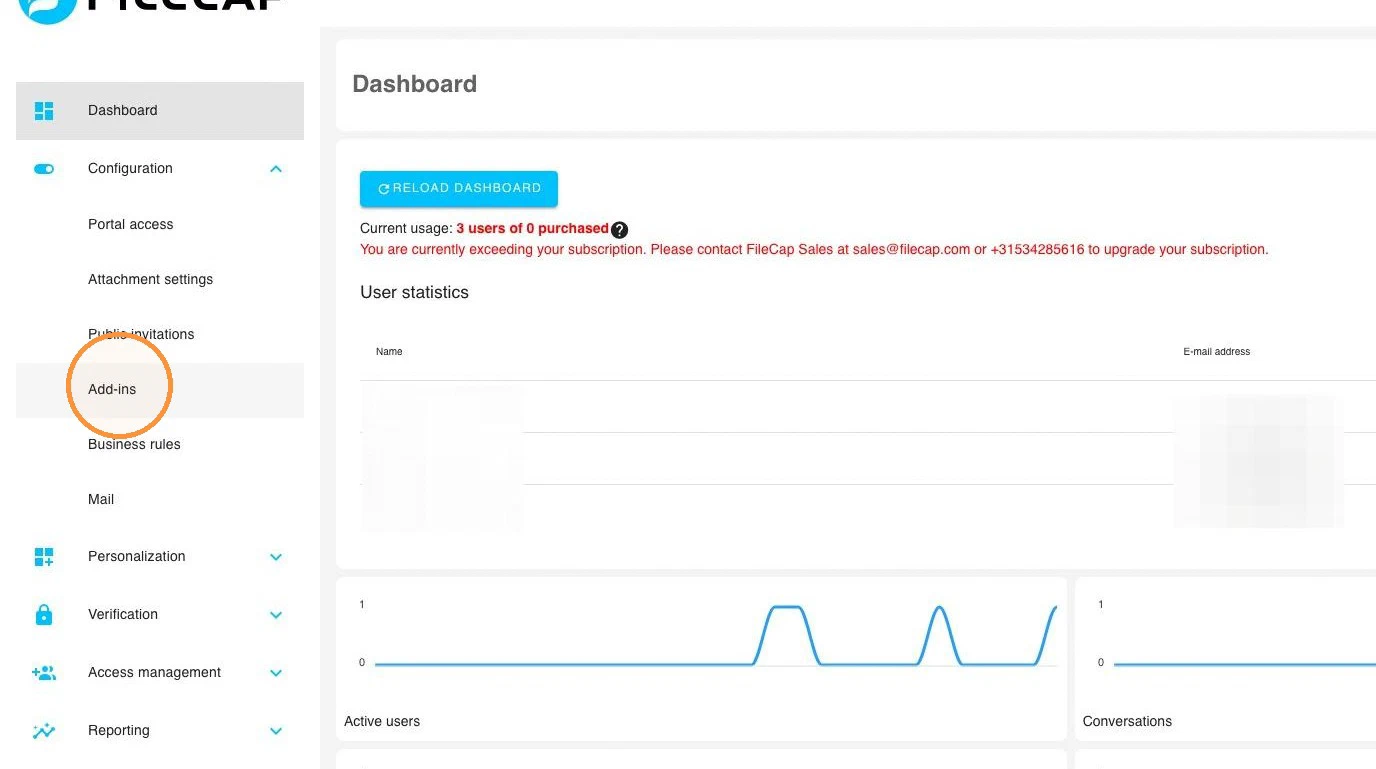
- Go to Add-ins.
There are 2 options for the manifest file. Using the correct manifest prevents compatibility issues and unexpected behavior of the Outlook add-in.
Which one to choose
1. Manifest for modern Outlook clients. Choose this if business rules are disabled and all users have a mailbox in Exchange Online (Microsoft 365) and use one of these clients:
- Outlook on the web
- New Outlook for Windows
- Classic Outlook for Windows (Microsoft 365, Outlook 2021 retail or Outlook 2024), version 2404 or later
- New Outlook for Mac
If the FileCap add-in can’t check a message, users can choose to send it anyway.
2. Manifest for older Outlook clients. Choose this if any of the following applies:
- Business rules are enabled. This manifest blocks sending until FileCap has checked the message.
- Users have a mailbox on Exchange Server on-premises.
- Users use Outlook 2016, Outlook 2019, Outlook LTSC 2021, a classic Outlook for Windows older than version 2404, or classic Outlook for Mac.
Not sure? Choose option 1.
Only install one of the two manifests. If you switch, remove the other FileCap add-in first.
The add-in is not available in the Outlook mobile apps.
- Download the desired manifest file on the page.
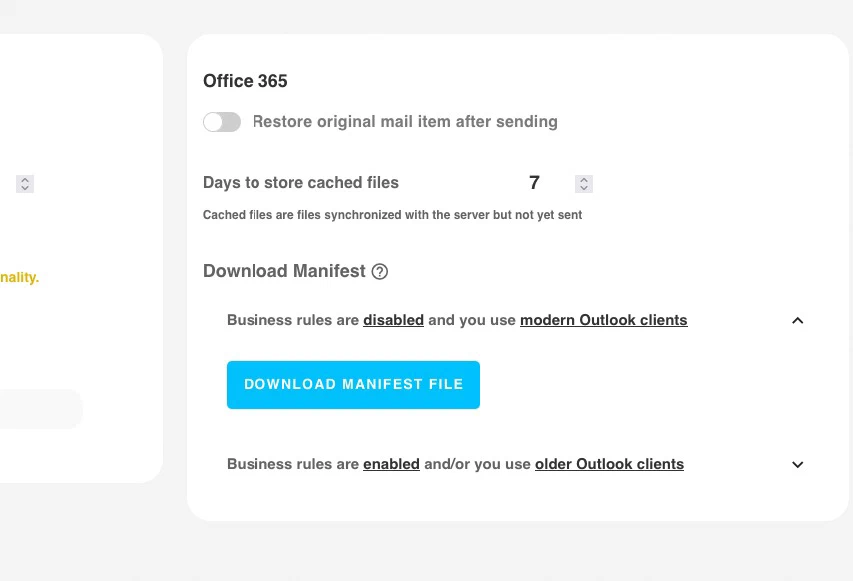
- You can use the manifest to install the 365 add-in. The manifest can be used for multiple users.