

Install the Office 365 Add-in (single user)
Use this route to install the Office 365 Add-in for one mailbox, for example to test it before an organization-wide rollout. To roll it out to a group of users or your whole organization, see Deploy the Office 365 Add-in organization-wide.
Your Microsoft 365 tenant can block users from uploading custom add-ins. If you don’t see the option to add a custom add-in, ask your Microsoft 365 administrator to check that your account’s role assignment includes “My Custom Apps”.
Download the manifest file from the FileCap Administration Portal. See Download the manifest file.
Go to outlook.office.com in your web browser.
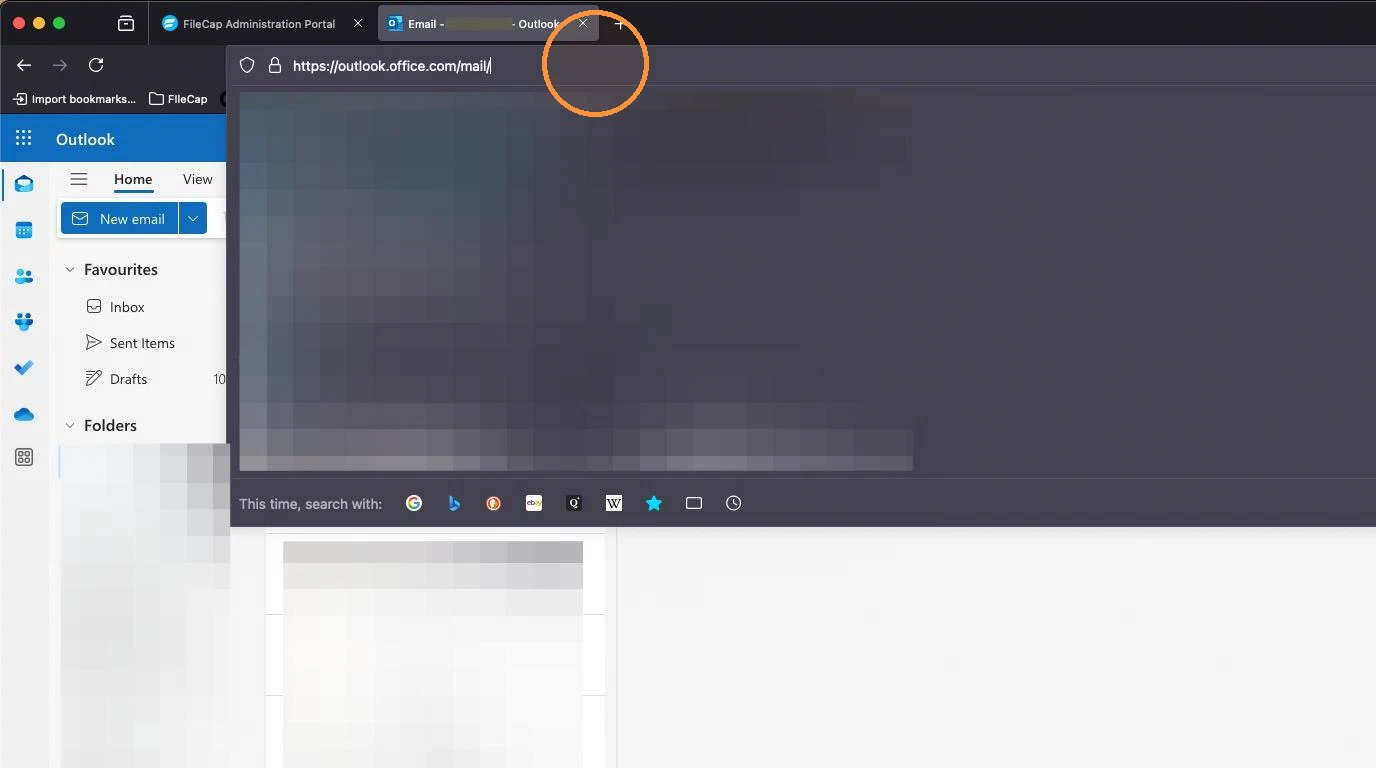
- Then go to the in-client store by adding
/inclientstoreto the URL. Your link looks like this:

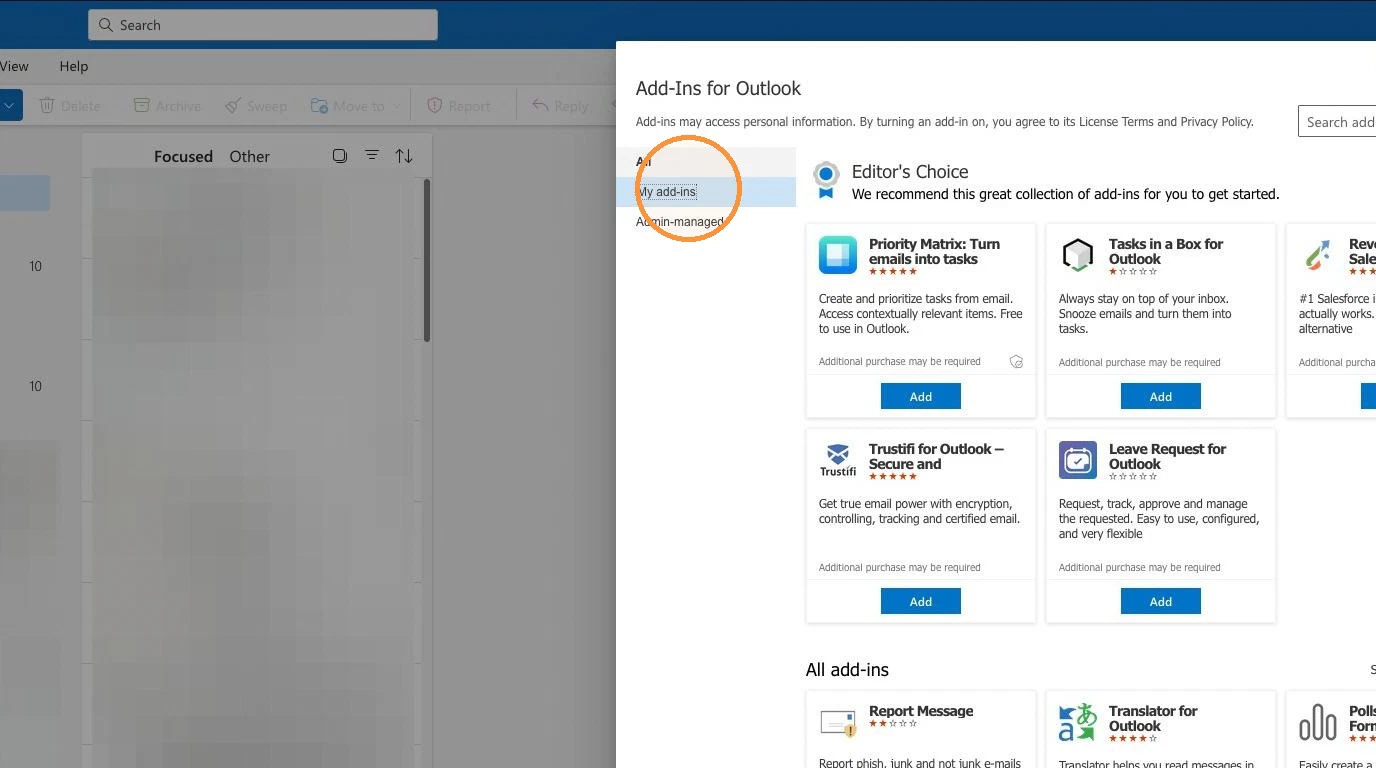
- After a few moments the store opens. Navigate to My add-ins.
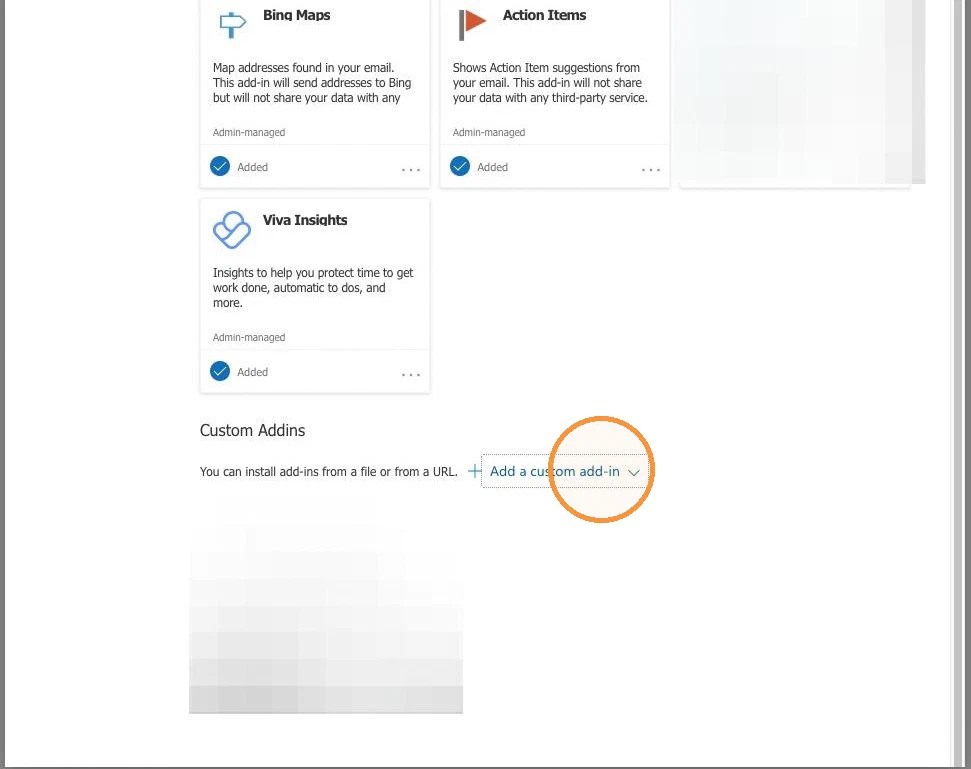
- Click to add a new add-in.
- Click to upload the manifest file.
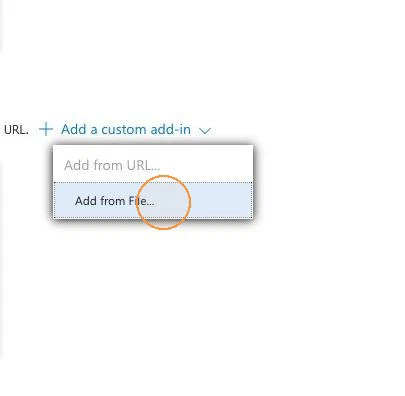
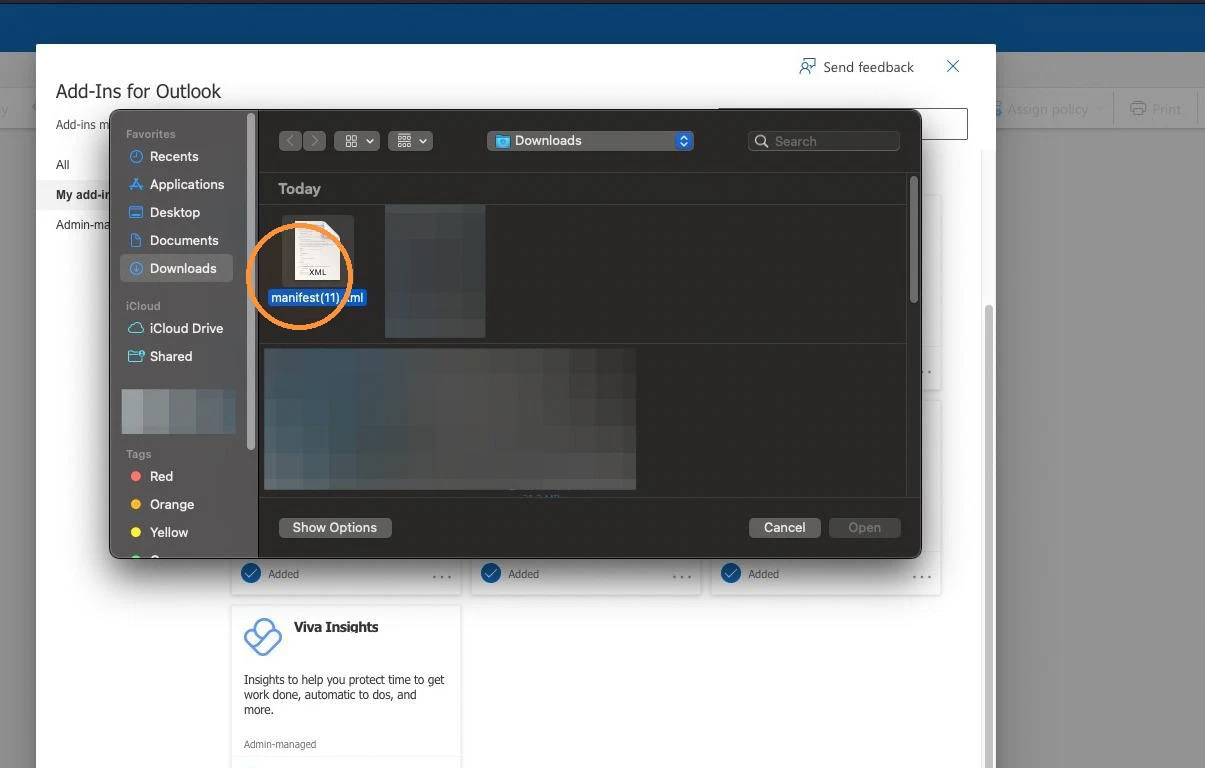
- Add the manifest file.
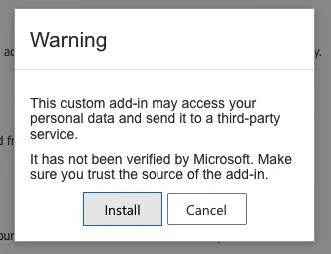
- Install the add-in.
- Refresh the page after installation. The add-in should appear in Outlook on the web fairly quickly. In the Outlook desktop app it usually appears within 6 to 12 hours. Microsoft states it can take up to 72 hours. Restart Outlook if it doesn’t show up.