

Remove the Office 365 Add-in
Remove for the organization#
If you deployed the Office 365 Add-in from the Microsoft 365 admin center, remove it there:
- Log in on admin.microsoft.com.
- Go to Settings > Integrated apps.
- Select FileCap and click “Remove”.
If the add-in was deployed with the Fixed method, users can’t remove it themselves. Only an administrator can remove it in the Microsoft 365 admin center.
Remove for a single user#
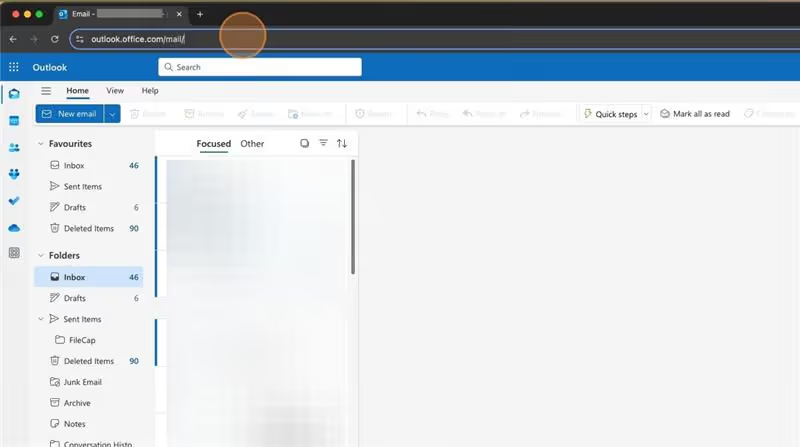
- Open your browser and go to outlook.office.com.

- Click in the URL bar and add
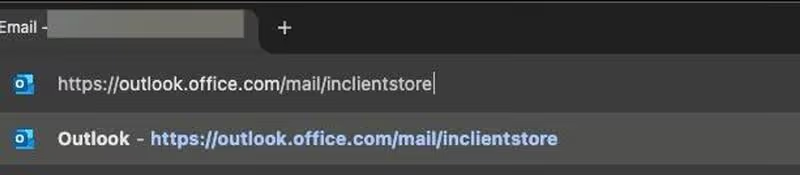
/inclientstoreafter/mail.
- The link should look like this: https://outlook.office.com/mail/inclientstore
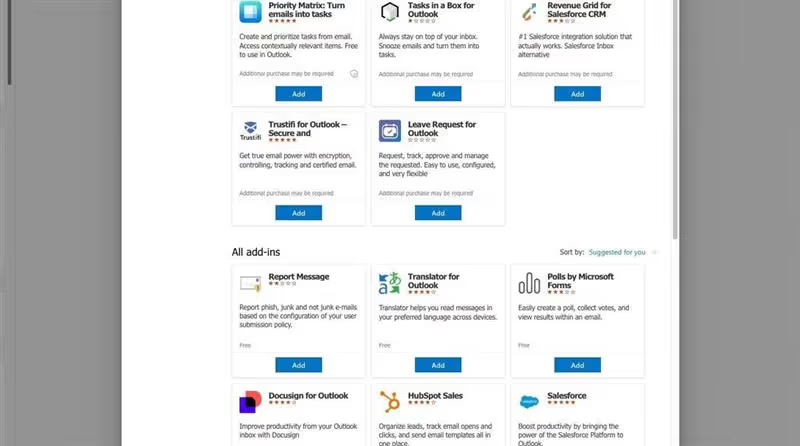
- Wait a few moments until the screen with the add-ins appears.
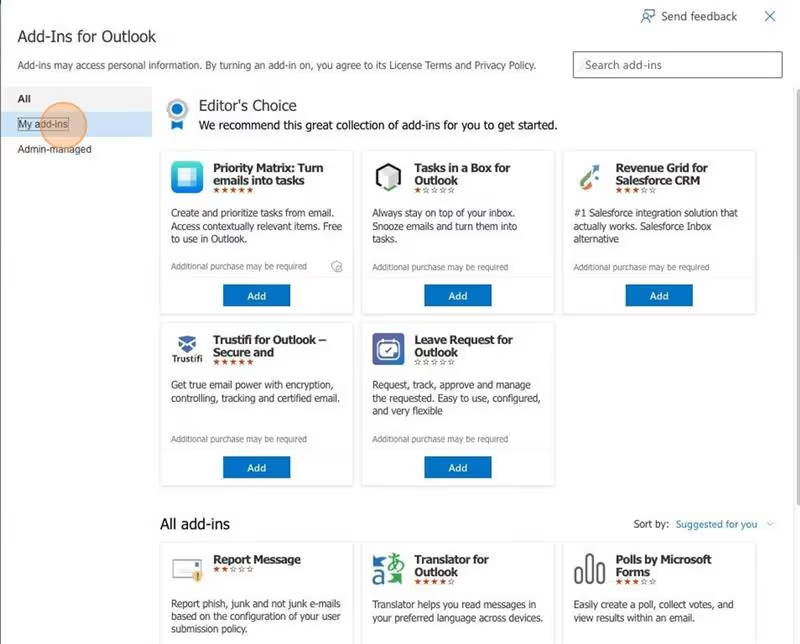
- Click “My add-ins”.
- Click the three dots next to FileCap.
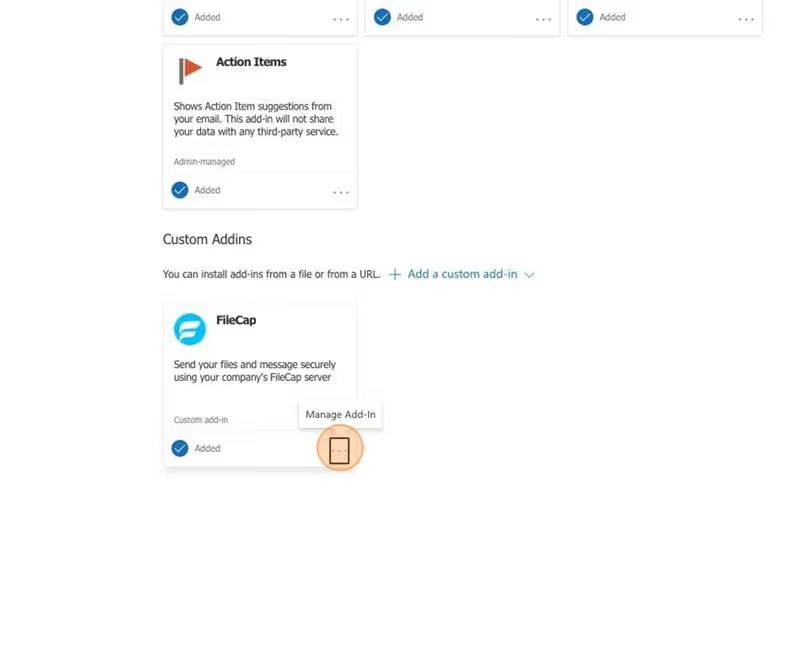
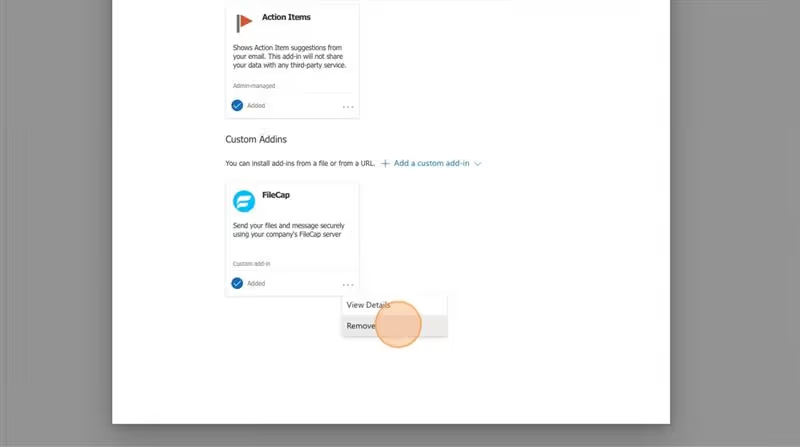
- Select Remove to uninstall the add-in.
The add-in is usually removed within 6 to 12 hours. Microsoft states it can take up to 72 hours. Restart Outlook if it still shows.