

Resource usage
Note: This page is only visible to FileCap operators. Portal and MSP administrators do not see it.
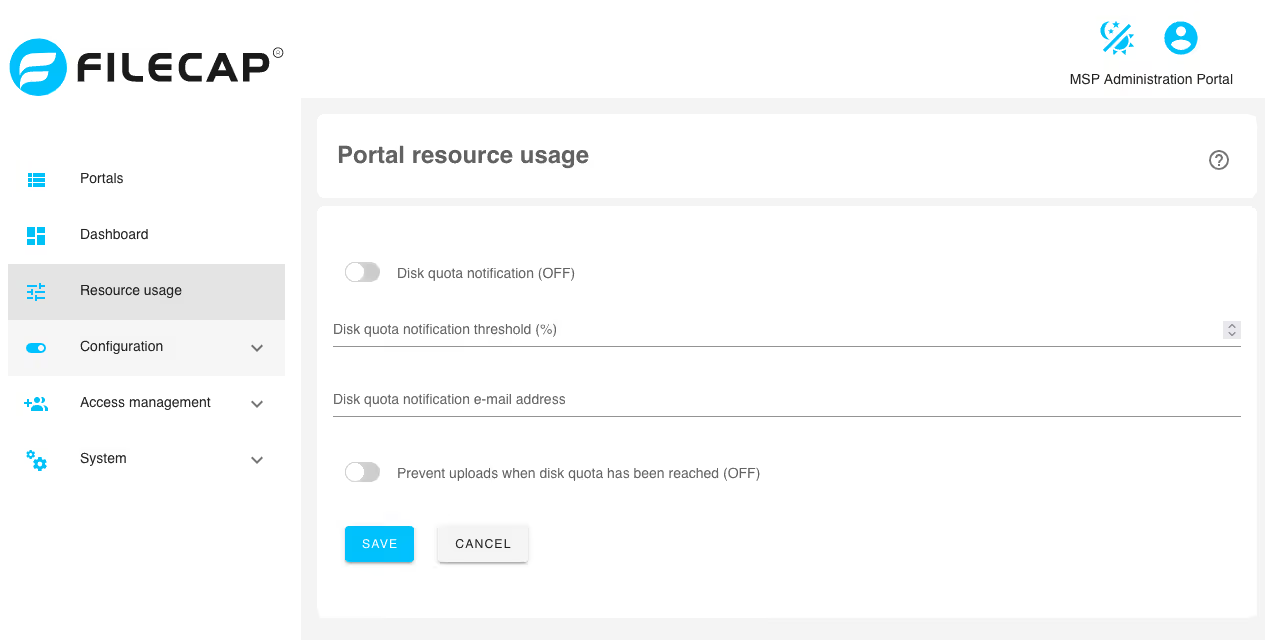
With this feature, a notification can be sent when FileCap portals approach their disk quota.
| Setting | Description |
|---|---|
| Disk quota notification | This enables disk quota notifications. |
| Disk quota notification threshold (%) | When the disk quota of a FileCap portal exceeds this percentage (1 to 100), a notification will be sent. |
| Disk quota notification e-mail address | Specify the email address to which the notification should be sent. |
| Prevent uploads when disk quota has been reached | If the quota for a FileCap portal has been reached and this option is enabled, it is no longer possible to send new files. |
For this feature to work correctly, the mail server settings must be functioning correctly.