

Company identity
| Setting | Description |
|---|---|
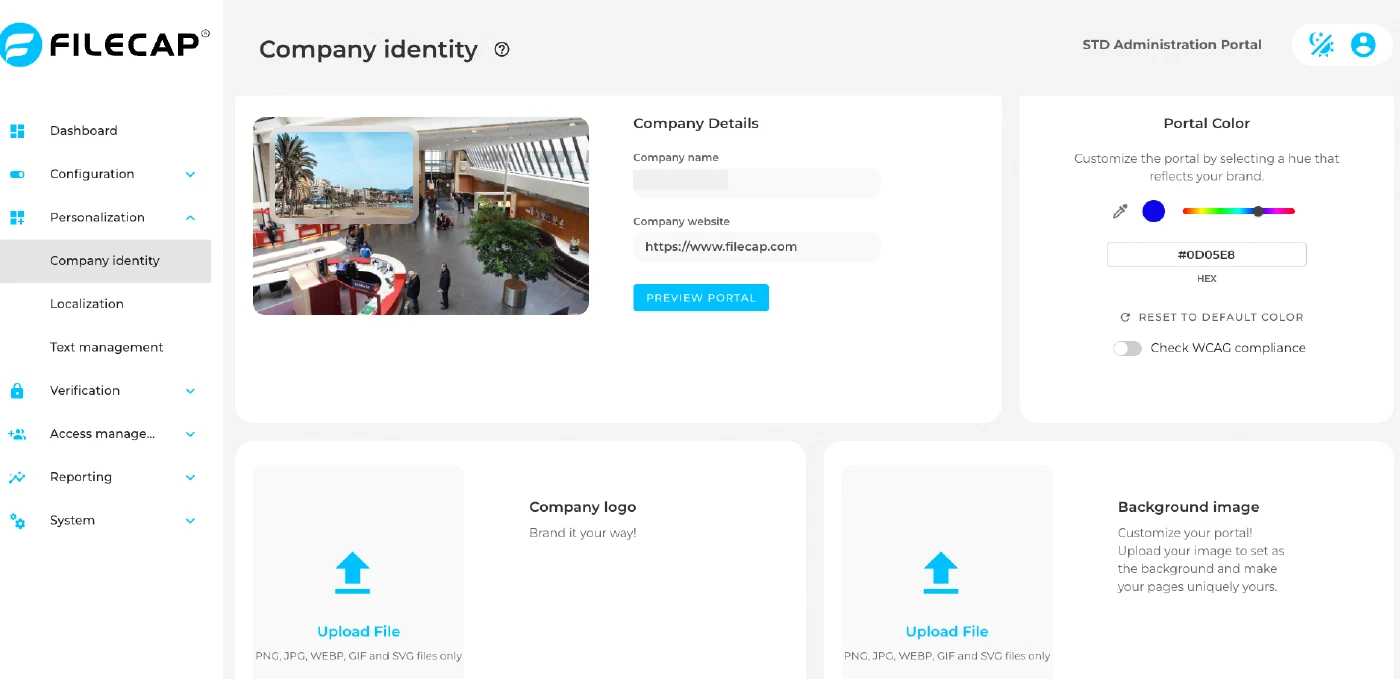
| Company name | Enter the company name here. It is used in titles and emails. |
| Company website | Shown at the bottom of emails and when clicking on the logo of the respective portal. |
| Company logo | Upload the company logo here; it will be used on the FileCap Webportal and in the notification emails. |
| Background image | Upload an image here for the background of the FileCap Webportal. |
| Primary color (under Portal Color) | Select a color that is used in various places, such as the buttons/links in the FileCap Webportal and in the various FileCap plugins. |
The default language of the portal is set on the Localization page.