

Localization
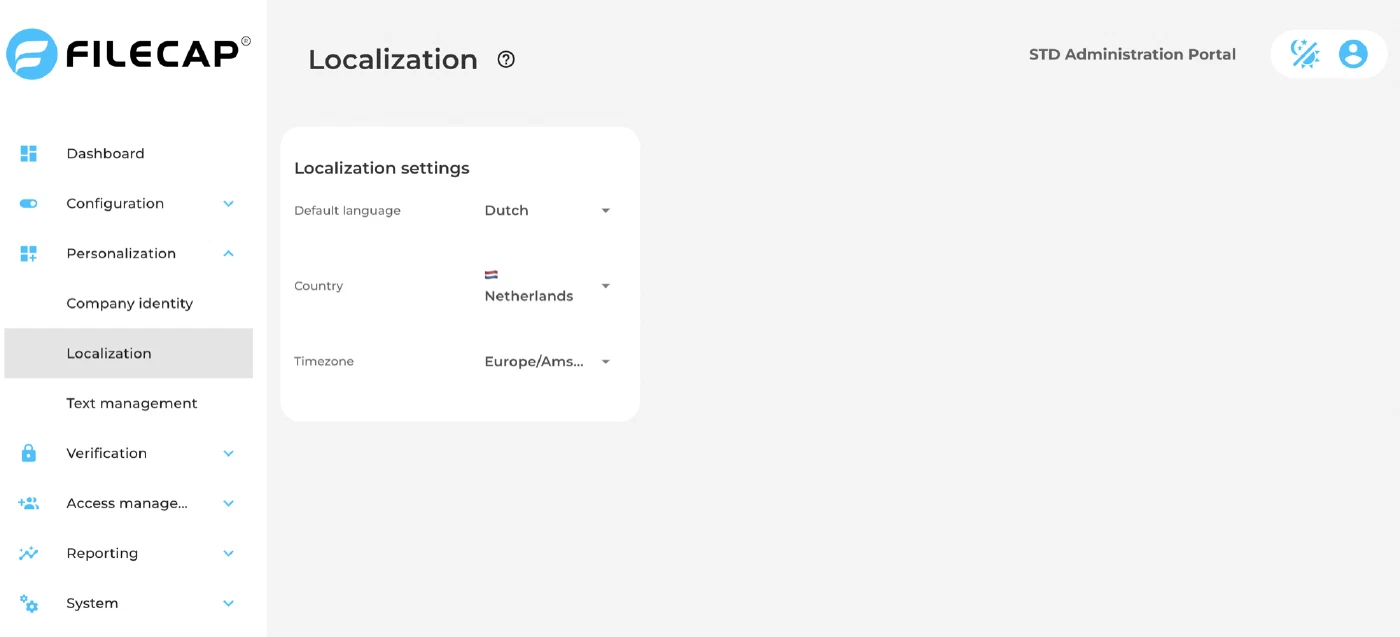
On the Localization page, under Personalization, you configure the regional settings of the FileCap portal.
| Setting | Description |
|---|---|
| Default language | The default language of the FileCap portal for users and notifications. Users can still switch language themselves with the language selector on the portal. Available languages: Dutch, English, Norwegian, Swedish, Finnish, Danish and German. |
| Country | The country the portal operates from. It determines how dates and times are formatted, for example in notification emails. It does not set the country prefix for phone numbers; that is the Default country prefix under SMS verification. |
| Timezone | The timezone used for dates and times shown in the portal and reports, for example Europe/Amsterdam. |
Changes are saved immediately when you select a value.