

Transfers
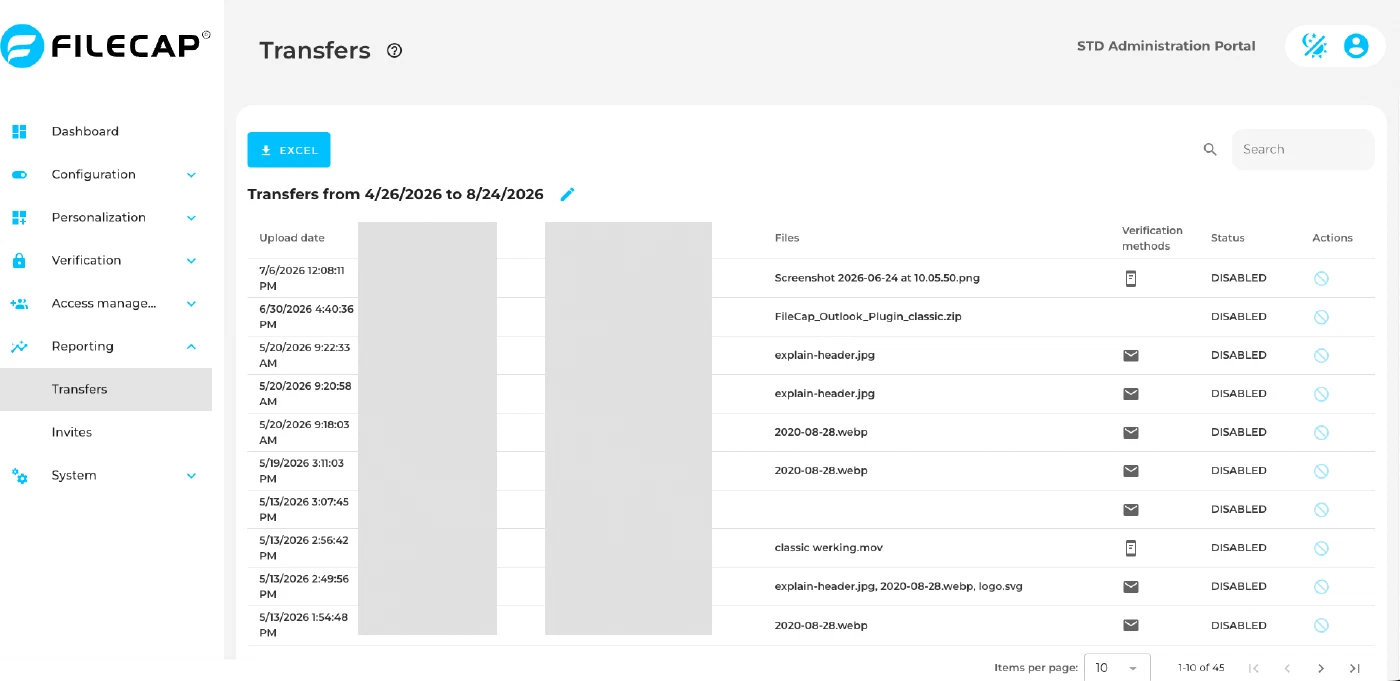
The Transfers page shows a list of all FileCap transfers within a configured period. Clicking a specific transfer shows which files were downloaded by which recipients.
FileCap administrators can also block a transfer with “Block and delete”. The files of the transfer are deleted, so it can no longer be downloaded. This cannot be undone.
- Searchable by date range.
- Default reporting period: 14 days. Change it with the pencil icon next to the default reporting period (“Change default reporting period”).
- Adjustable items per page.