

License
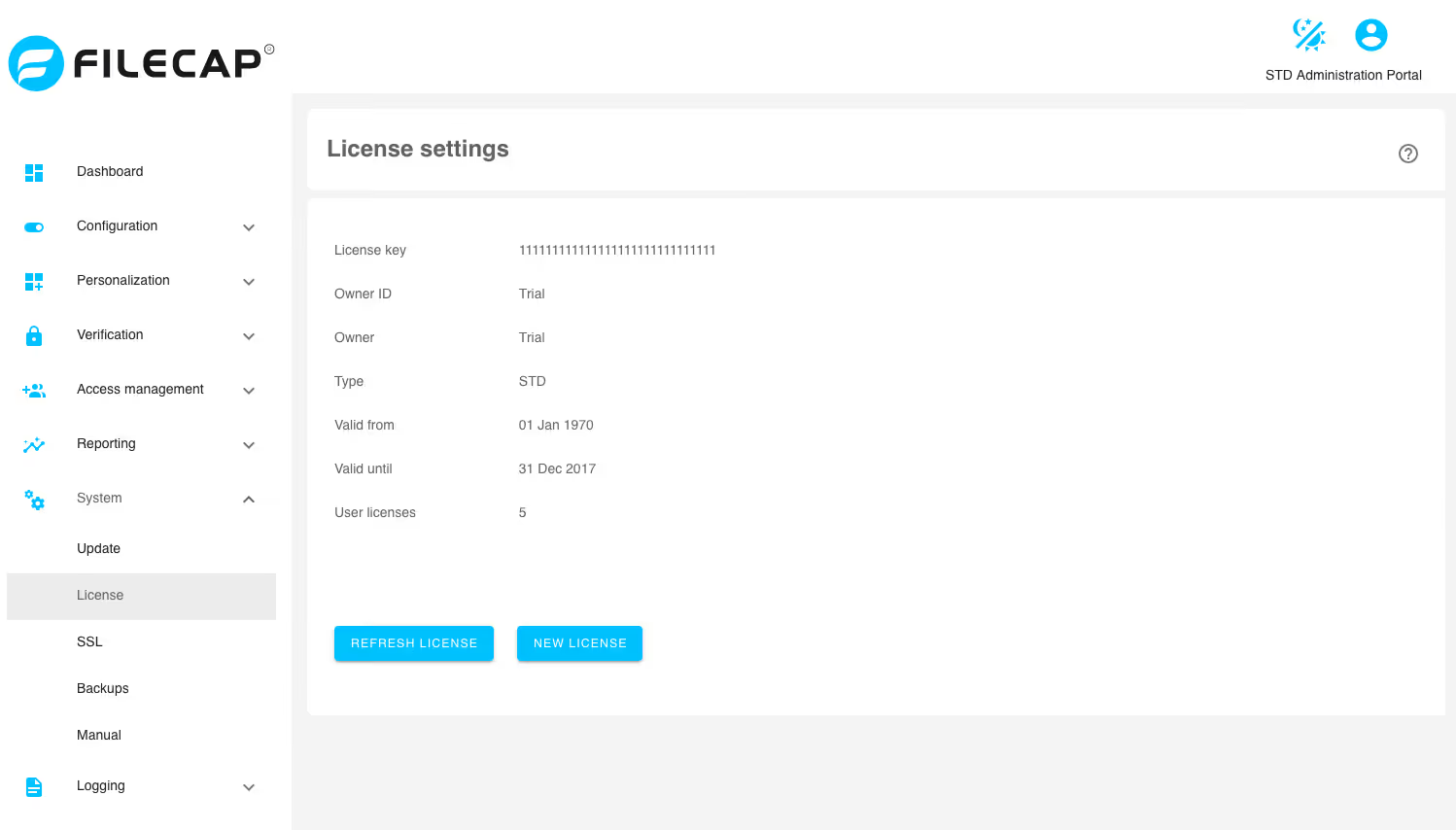
Note: This screen is only visible on an STD installation.
This screen displays the current FileCap license.
There are two options:
Refresh license#
With the Refresh License button, the license can be retrieved again from the FileCap license server. This can be used when the license has been renewed, so that it is applied to the FileCap server.
Note: The FileCap server licenses are automatically refreshed every day at 01:00.
New license#
A new license code can be added using this button.
Note: To verify/install the FileCap license, access to license.filecap.net via HTTPS (port 443) is required