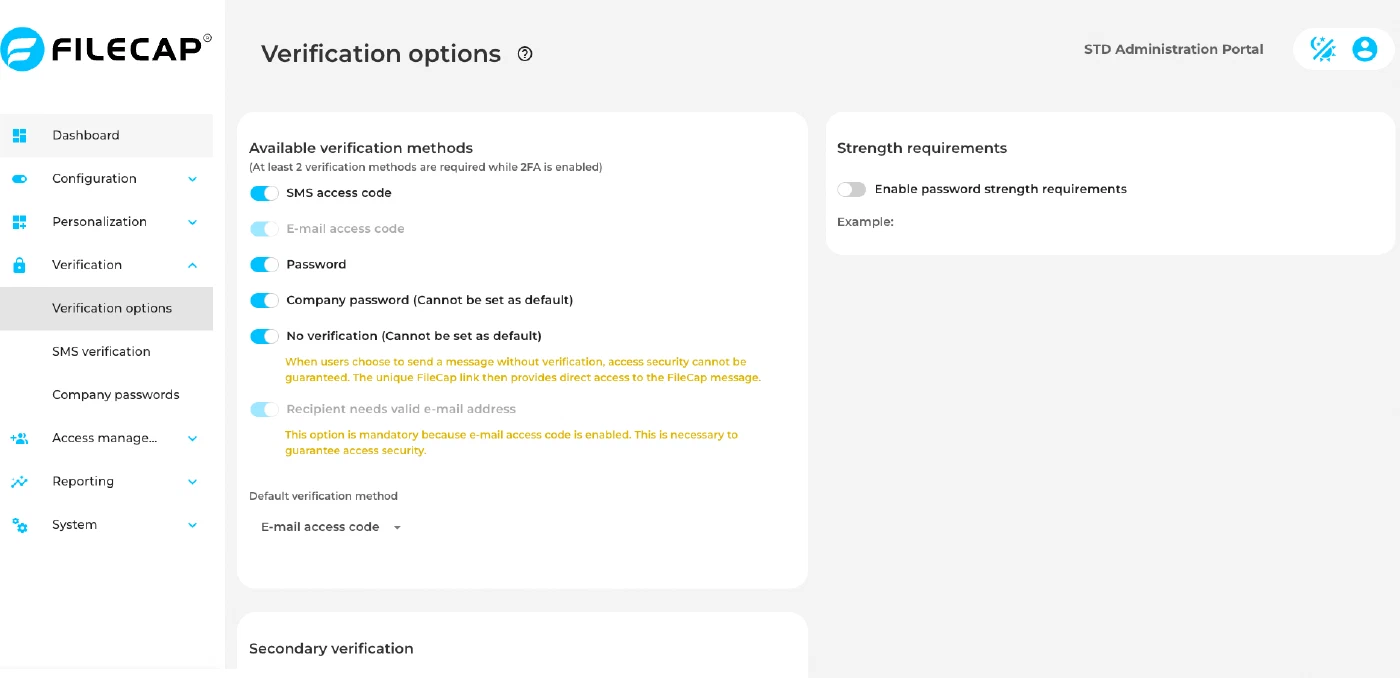
| SMS access code | Enables SMS as a verification method, provided by FileCap in the SaaS platform. |
| E-mail access code | Enables email access code (OTP) as a verification method. |
| Password | Enable this option to activate the Password verification method. |
| Company password | Enable this option to activate the “Company password” verification method. Note: To use this option, passwords must be present under the “Company passwords” menu option. |
| No verification | Enable this option to activate the “No verification” verification method. Note: Anyone with a link to the message can open it without additional verification. |
| Default verification method | Select the verification method that is selected by default for a new transfer. |
| Enable second verification method (2FA) | If this option is enabled, it is possible to select a second additional verification method. (For example, E-mail access code + SMS access code) |
| Default second verification method | Select the verification method that is selected by default as the second verification method for a new transfer. |
| Enable password strength requirements | If this option is enabled, the password strength can be configured. It is possible to define: Length (minimum password length, 0 to 80; set to 12 when the option is enabled), and the minimum number of Uppercase letters, Lowercase letters, Digits and Special chars. |