FileCap User Portal#
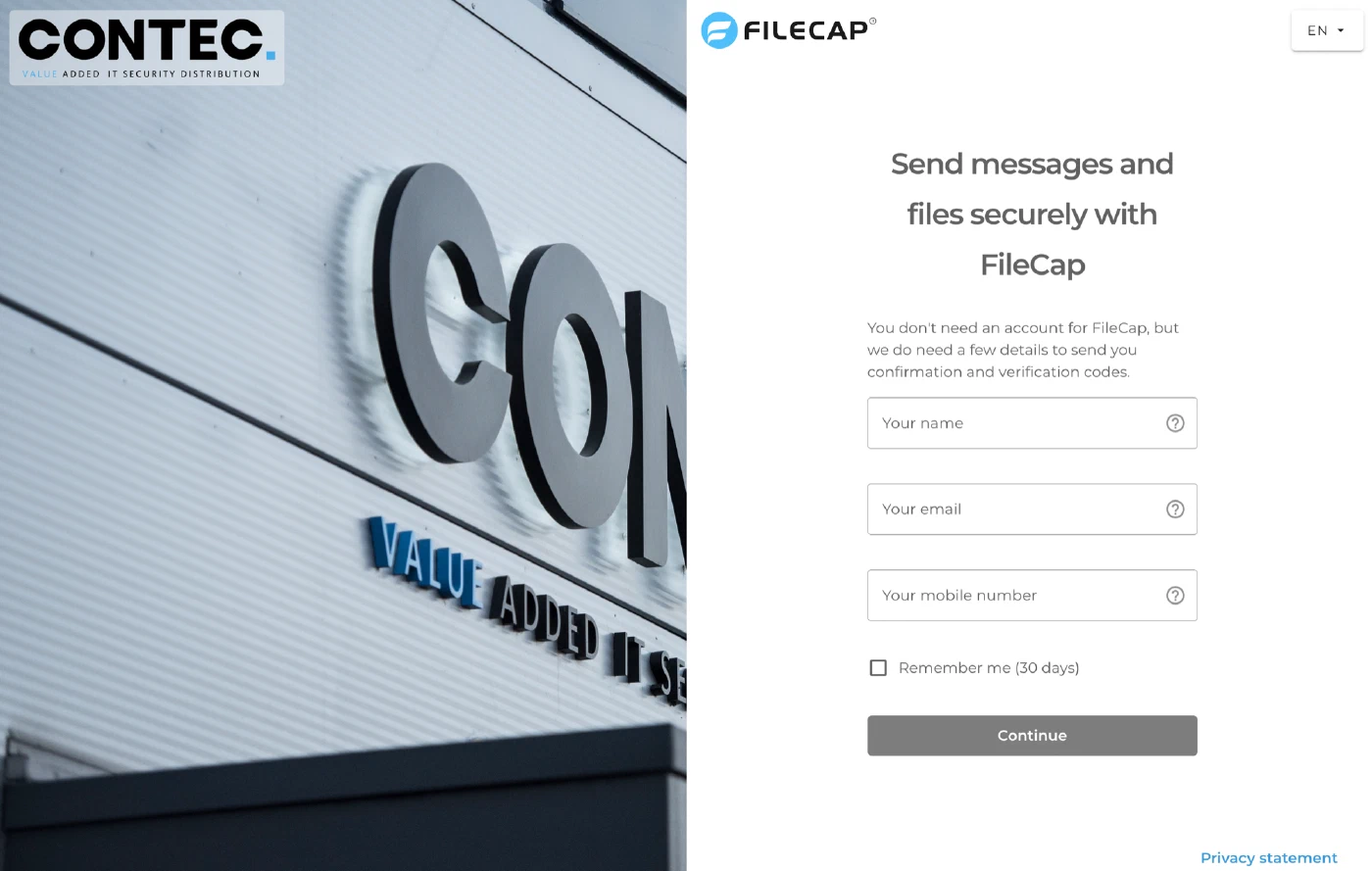
The FileCap User Portal lets you send messages and files securely from your browser. You don’t need an account: your name and email address are enough to receive confirmations and verification codes. You only need to enter your mobile number when the organization requires SMS verification for senders, or when you choose SMS verification for your recipients.
Depending on the organization’s settings, you may need an invitation before you can send. In that case, when you enter an email address that is not allowed to send, the portal shows:
[Company name] has disabled access to the FileCap portal for your domain. Please ask your contact person for an invitation.
Ask your contact person at that organization to invite you. You will then receive an email with an Accept invitation button.