

Logging in
You don’t need an account to use the FileCap User Portal. To send messages and files, FileCap only needs a few details to send you confirmation and verification codes.
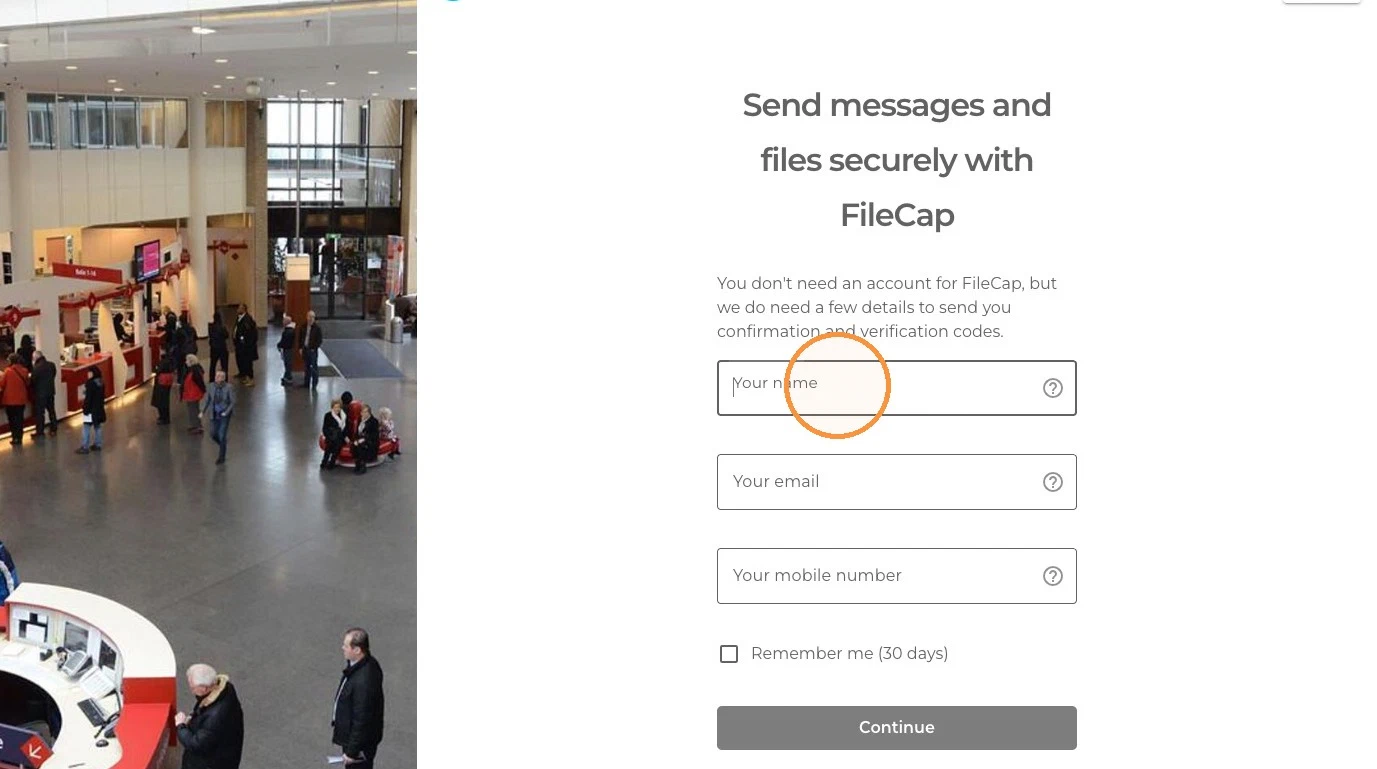
- Open your organization’s FileCap portal in your browser (for example
https://yourcompany.filecap.eu). - Enter your name, your email address, and your mobile number.
- Optionally tick Remember me (30 days) so you don’t have to enter your details again on this device.
- Click Continue.
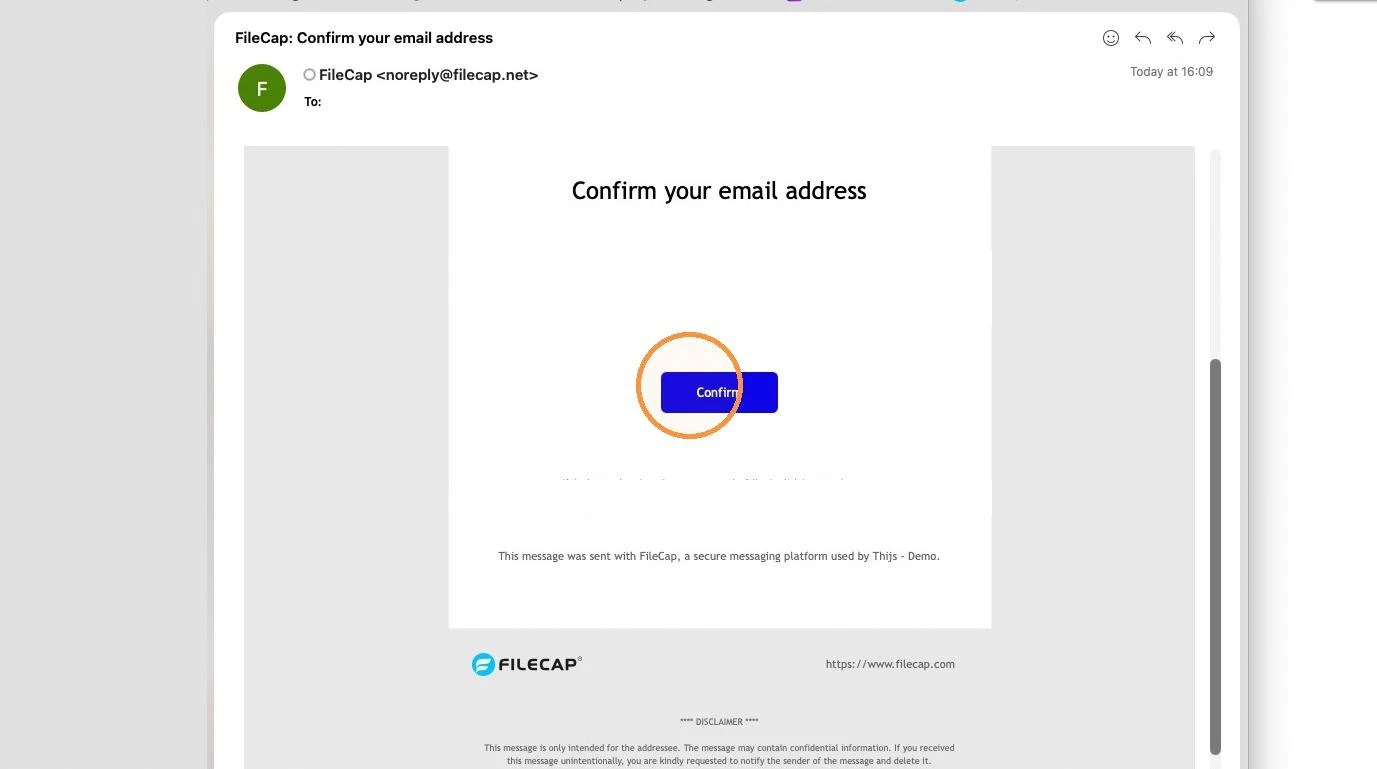
- FileCap sends a verification code to confirm your identity. Enter the code, and you’re ready to send messages and files securely.
Your language can be changed with the language selector in the top-right corner of the portal.