

Receiving
When someone sends you a secure message with FileCap, you receive an email notification containing a link.
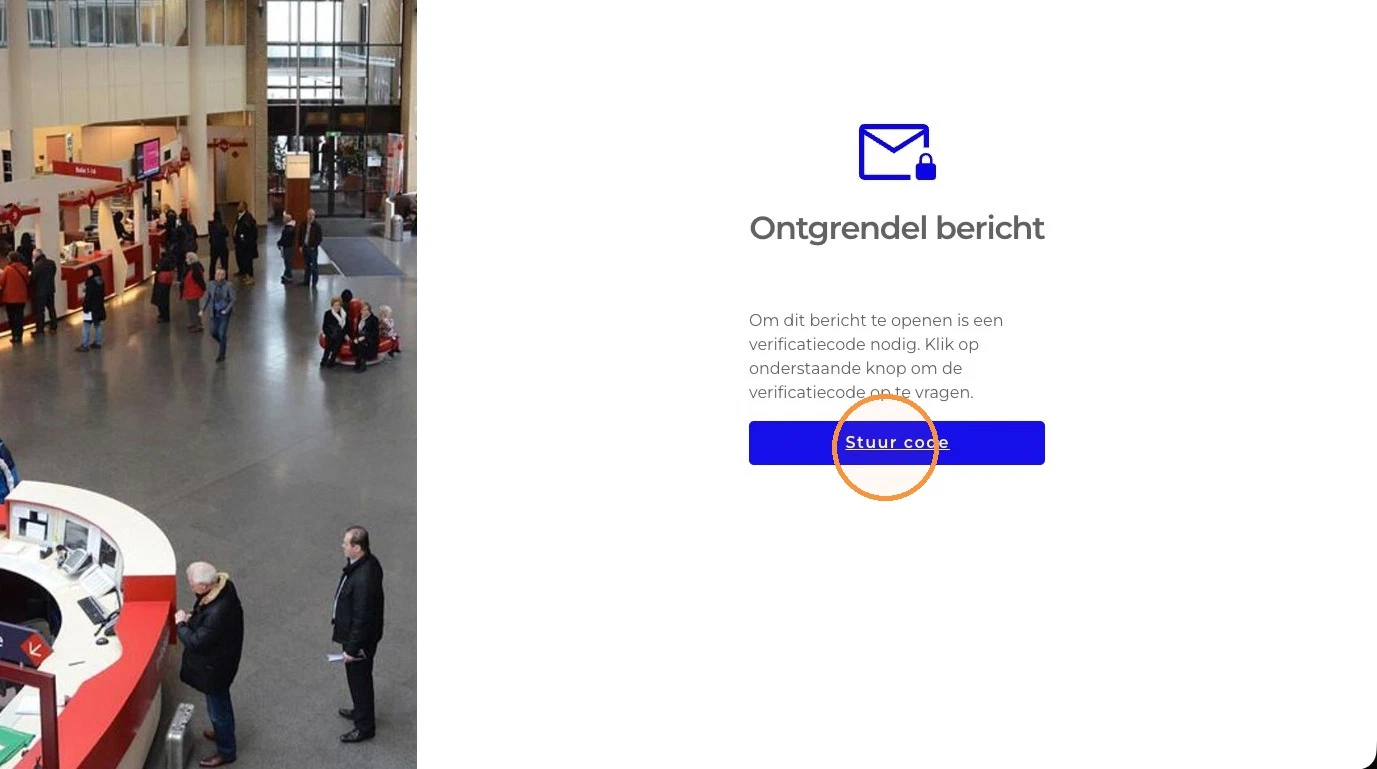
Click Read message in the notification email. Your browser opens the Unlock message page of the FileCap portal.
Verify your identity using the method the sender selected:
- Code by email: click Send code. The code is sent to your email address; enter it in the Verification code field and click Confirm.
- SMS: click Send code. The code is sent to your mobile phone; enter it in the Verification code field and click Confirm.
- Password: enter the password the sender shared with you. If you don’t know it, contact the sender.
- Company password: enter your organization’s company password. If you don’t know it, contact the sender.
Did the code not arrive or not work? Click “If the verification code doesn’t work click here to receive a new code.”
Depending on the message, you may be asked for more:
- Two verification steps: if the sender used two verification methods, the portal shows “Two-factor verification is required to open this message.” You then complete both methods one after the other, for example two codes.
- Your mobile number: if SMS verification is required and the portal does not know your mobile number yet, it asks: “SMS verification is required to open this message. Please enter your mobile number to continue.” Enter it in the Your mobile number field. The code is then sent to that number.
- Your email address: if the portal cannot match the link to your email address, it asks: “Please enter the email address where the message was sent to.” Enter the address that received the notification email.
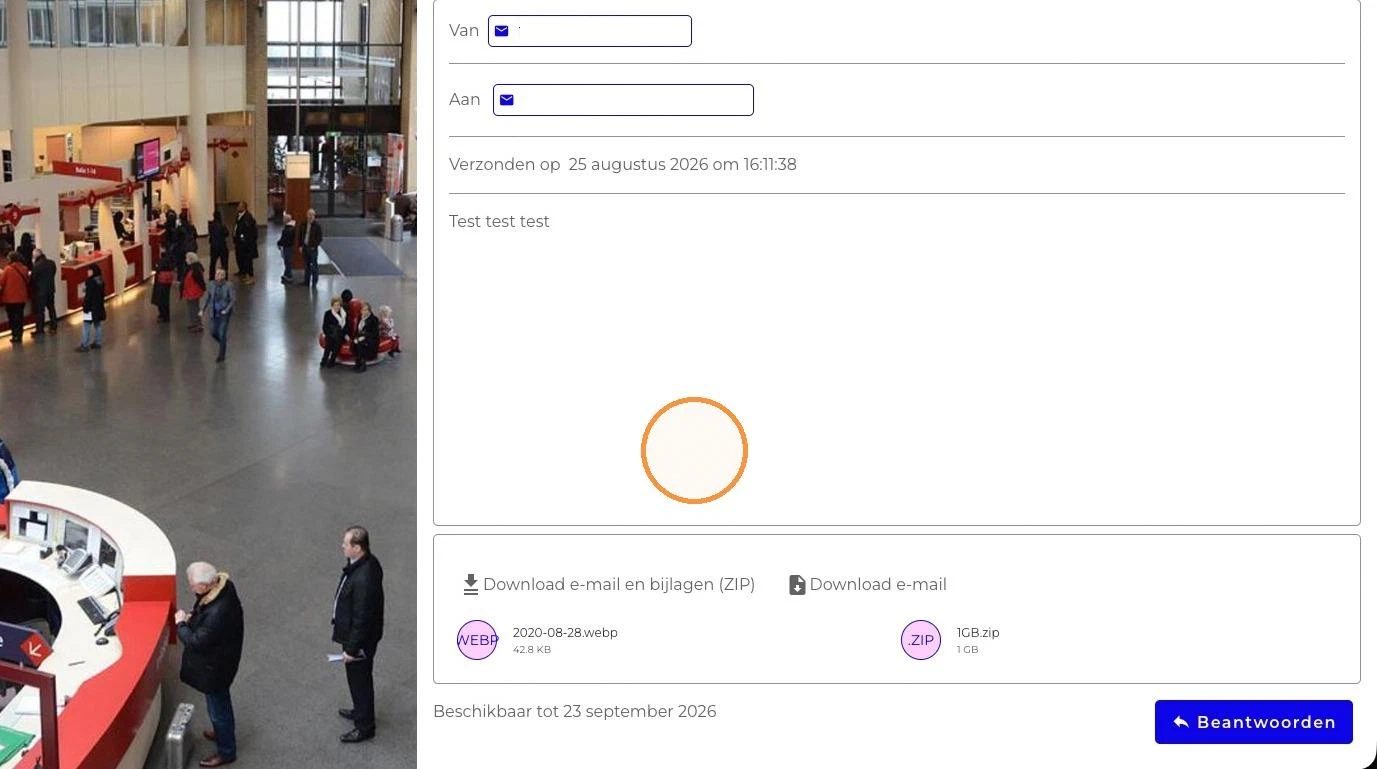
After successful verification you can read the message and download it with Download e-mail, Download attachments (ZIP) or Download e-mail and attachments (ZIP).
Availability and download limits#
The sender decides how long the message stays available and how many times each file may be downloaded.
- Expiry: the opened message shows Expires on with the date until which it is available. After that date, the link shows “This message is no longer available.” and the message and files can no longer be opened.
- Download limit per file: the limit applies to each file separately. Next to each file you see how many downloads you have left, for example 3x. When you have reached the limit for a file, that file is grayed out and can no longer be downloaded. In a ZIP download, the file is replaced by a text saying “This file cannot be downloaded because the maximum number of downloads has been exceeded at the time of downloading.” Your other files can still be downloaded.
- Recalled message: if the sender recalled the message, the link shows “This message cannot be found.”