

Replying
If your organization has enabled replies, you can respond to a received transfer directly from the download portal. Your reply is protected in the same way as the original message.
Open the received transfer in the portal (see Receiving).
Choose the reply option, write your response, and attach files if needed.
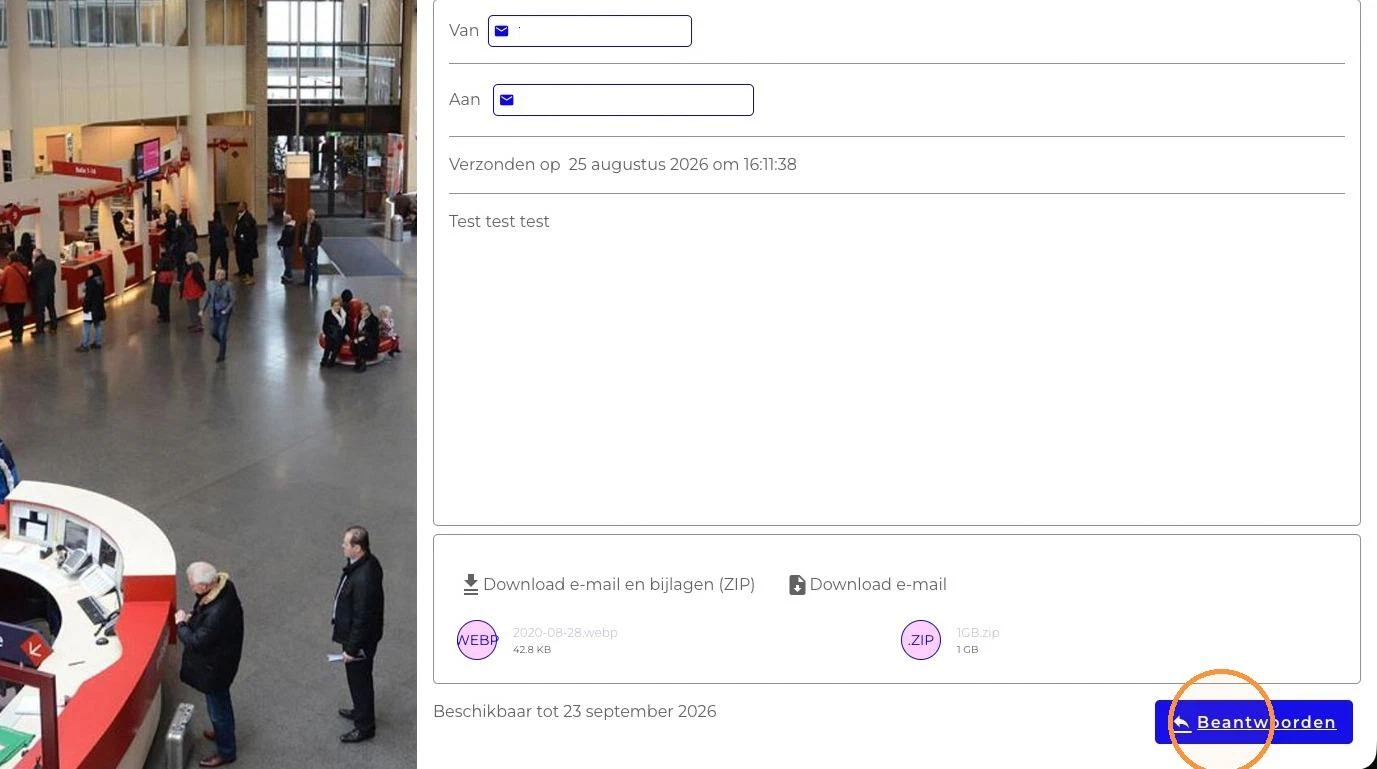
Send the reply.
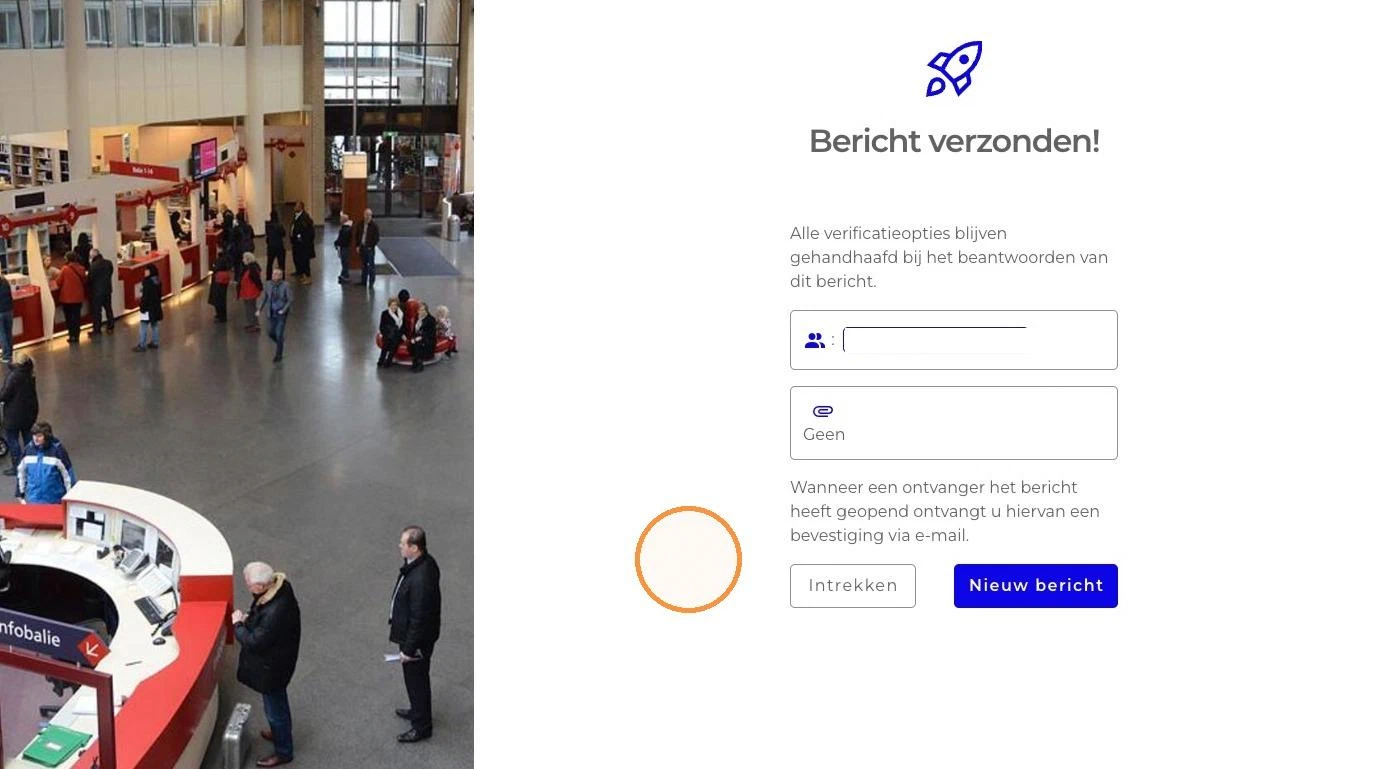
The original sender receives a notification email and can read your reply, including any attached files, securely on the FileCap portal.
Is the reply option not visible? Then it has been disabled by the portal administrator (“Allow reply” under Portal access).